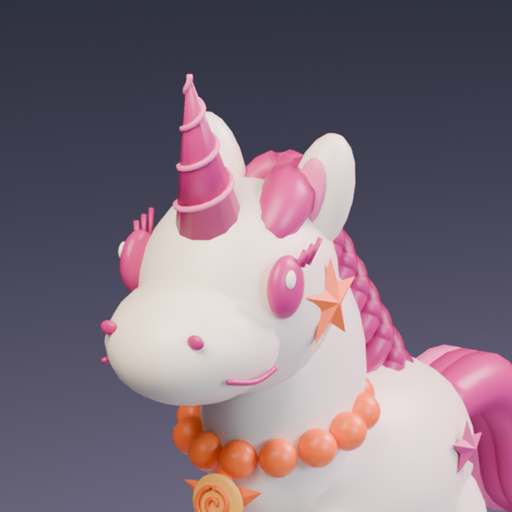
Unicorn Meadow Support
Need a hand with Unicorn Meadow? Email us at support@bolt-studio.co.uk and tell us which device you play on (for example an iPhone, an iPad, a Mac or an Android phone). We usually reply within a few days.
What’s free, and what does the purchase add?
The first unicorn, its games, the shop and the whole meadow are free. One in-app purchase, “All the Unicorns”, lets the other unicorns join the meadow (three more, then a fifth pink one), with all of their games. A grown-up check comes first.
I bought All the Unicorns, but it’s locked on another device
Open ⋯ (top right) and choose Restore purchase. Use the same Apple Account or Google account you bought it with. On the App Store, one purchase covers your iPhone, iPad and Mac.
How do I play?
Tap the grass to walk. Use the bar at the bottom to feed, stroke, groom and ride your unicorn, and Games for little mini-games. A unicorn is happy for the day when it has a full tummy, cuddles and play (the three rings at the top). Three happy days and a baby is grown up, and the day after a grown-up’s happy day a new baby may arrive. Every game won earns a star to spend in the shop (the basket) on hats, bows and things for the meadow.
Why can’t I make my unicorn grow up faster?
Growing up follows the calendar on purpose: one happy day per real day, so there’s always something to come back to tomorrow.
Where is my meadow saved?
On your device only. Deleting the game deletes the meadow, but not your purchase: restore it as above. On iPhone and iPad the meadow is also included in your iCloud or computer backup.
Privacy
Read the Unicorn Meadow privacy policy.